changelog
what changed in multipeer, release by release. new lines land here the day they ship.
latest is v0.2.1· oct 14, 2026
coming next
in progressadded1
- Two people typing in the same note or file at once both keep their text, and undo takes back only your own typing. Everyone in a session needs this version.
changed2
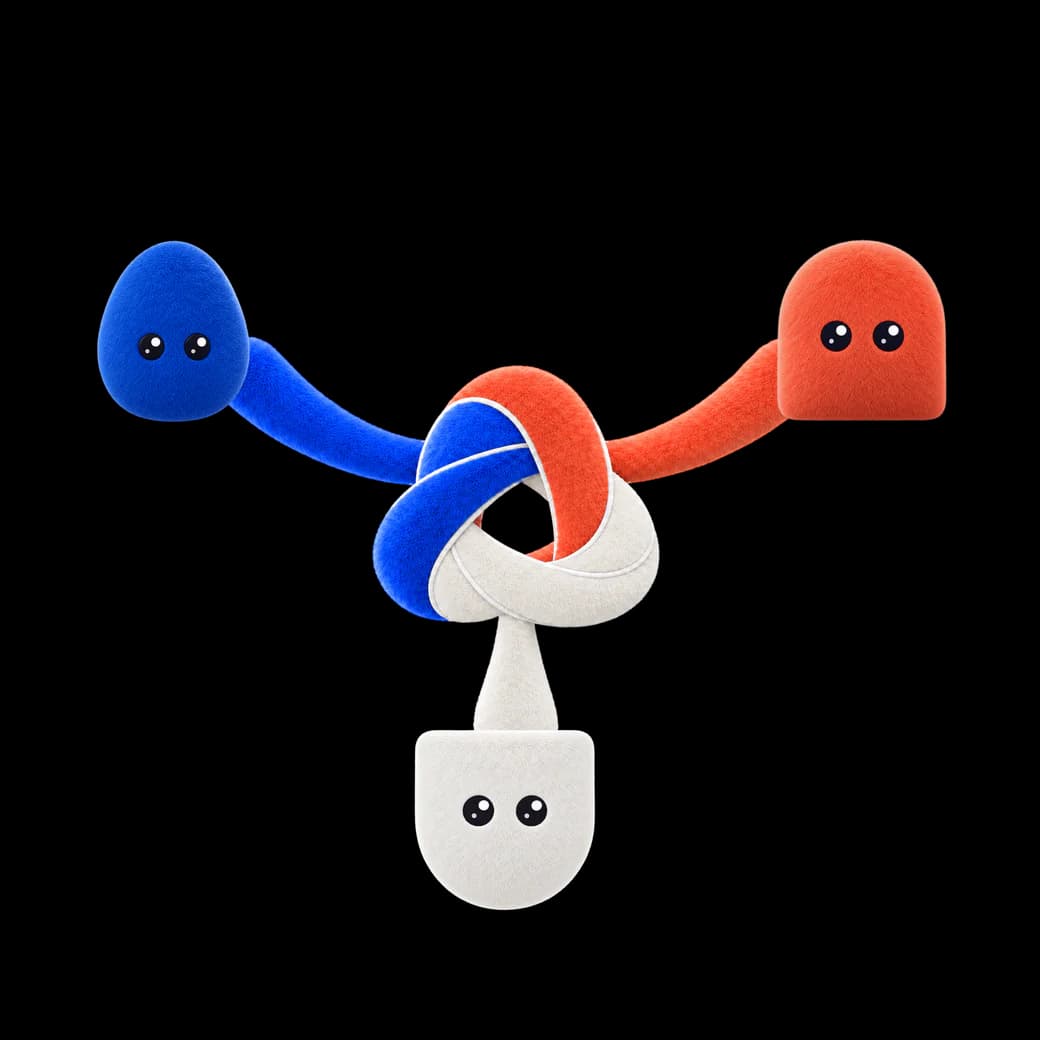
- A new app icon: the blue fur knot on a white tile.
- The install window is designed now: drag multipeer into Applications while the crew watches.
fixed1
- The Dock shows the multipeer icon while the app is open, instead of a placeholder.
v0.2.1
oct 14, 2026fixed1
- Fixes behind the scenes; the app works the same as 0.2.0.
v0.2.0
oct 14, 2026highlights
multipeer now has accounts and teams. Sign in with GitHub, Google or an emailed code, create a team, and your teammates' Macs join your canvases without knocking. Sharing is encrypted, and anyone outside your team needs your OK, confirmed with a 6-digit code on both screens. Updates now install from inside the app, the canvas is much faster, and there are themes (including light mode), a new onboarding, a Settings window and avatars you design yourself.
breaking / upgrade notes3
- Everyone in a session must update to 0.2.0. Older versions can't join 0.2.0 sessions and 0.2.0 can't join theirs. Someone on a different version is told to update instead of joining.
- Everyone's avatar and colour change once (new avatar set).
- On first launch you sign in once; after that the app works offline.
added11
- Updates install from the app: when a new version is out, a small capsule at the top left shows it with Install update, which downloads, checks and swaps in the new version and reopens multipeer (asking first if terminals or a shared session would close). No sign-in needed. New versions download in the background (Settings › Updates › Update automatically, on by default); Settings › Updates checks and installs by hand.
- Themes: Catppuccin, Dracula, Nord, Solarized, Tokyo Night, Rosé Pine and Everforest, next to Default. Each mode keeps its own theme, with Accent, Background, Foreground and Contrast you can adjust, and Interface and Code fonts (System or Geist). Themes are small JSON files: import one, copy yours to share, or drop files in the themes folder.
- Accounts: sign in with GitHub, Google or an emailed code on first launch, and sign out from the account menu. Your sign-in is kept in the macOS Keychain. multipeer counts how it's used, but never sees your code, commands, files or paths.
- Teams: create one, invite people by email, and teammates' Macs join without knocking, labelled with their verified email. A removed teammate is disconnected at the next refresh. Manage it in Settings › Team: members and roles, invites, invites to you, and your Macs.
- Encrypted sharing with knock-to-join: both screens show a 6-digit code to compare. Always allow for Macs you trust; a warning if a known canvas comes from a different Mac.
- Onboarding: welcome, sign-in, name and folder screens beside a live canvas illustration, with Back (or Esc) until you're signed in.
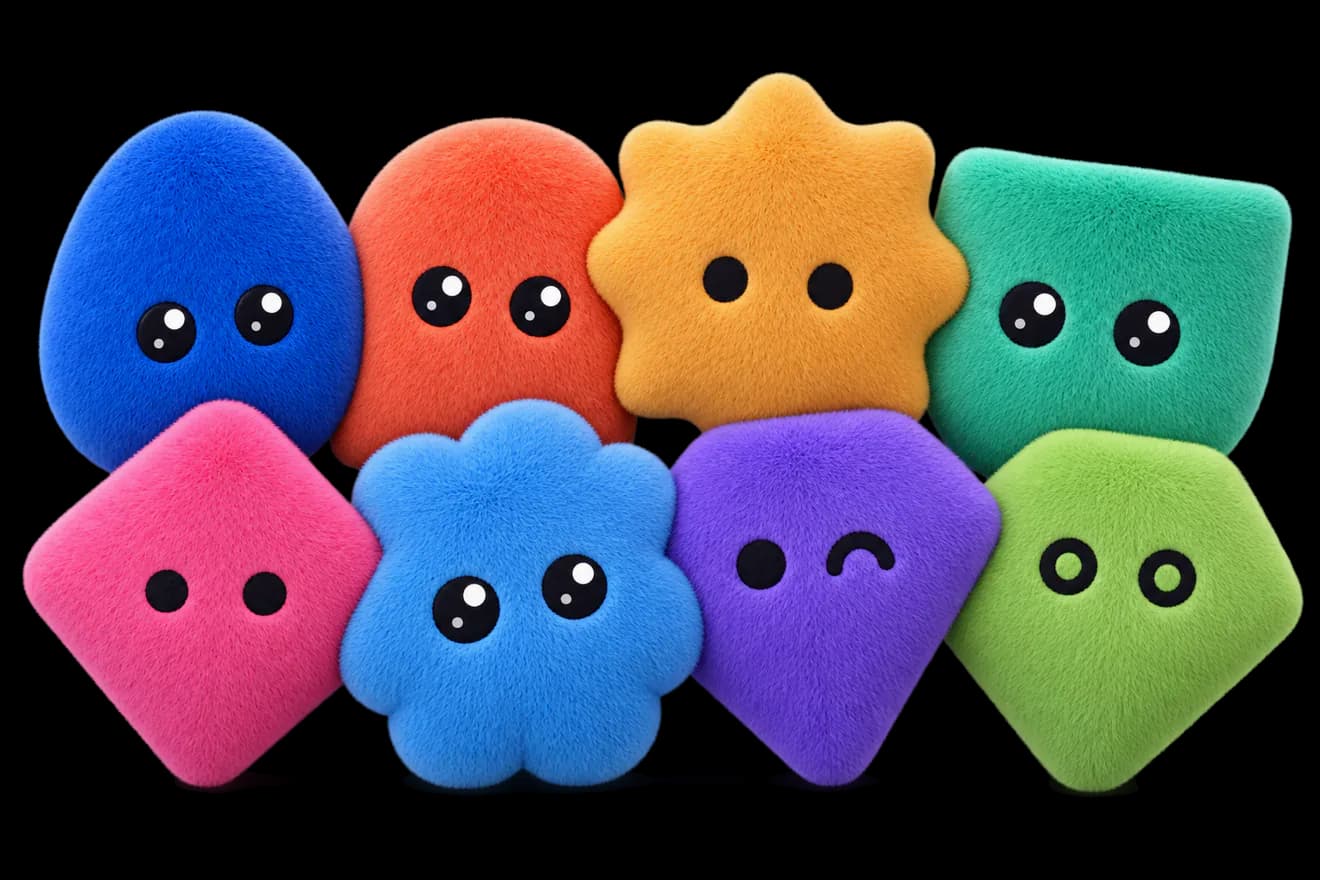
- Avatars you pick: after sign-up yours pops into the front of the welcome crowd, a random one to start; Customize chooses shape, eyes, colour, finish and motion from live previews, Shuffle rolls the rest (also in Settings › Profile › Edit avatar). Everyone in your session and team sees it, and it follows you to other Macs. Avatars now have idle motion, eyes and a lean that follow the pointer, and a trick when you click one.
- Settings (⌘, or the gear next to your name): Profile, Team, Appearance (theme, sidebar and details panel) and Updates (your version, check for updates, optional checks on launch).
- Light mode: Settings › Appearance picks Light, Dark or System (follows macOS as it changes). Terminals, code and every panel follow the theme; the choice stays on this Mac.
- Rename spaces and canvas components from the sidebar: right-click › Rename. A new space opens with its name ready to edit.
- Notifications say whether something worked; errors stay longer and can be dismissed.
changed3
- Much faster canvas: even a crowded canvas with 10,000 components stays smooth, zooming is instant, and multipeer rests when it's in the background. Moving and resizing follow the pointer smoothly when zoomed in.
- The window opens sooner, and a terminal printing a flood of output streams it in instead of freezing the app.
- Signing out ends only this Mac's session; your other Macs stay signed in.
fixed7
- Terminals that start with the app show their output right away, not on the next mouse move.
- Dragging no longer undoes a collaborator's rename or colour change made during the drag.
- A suspended account is signed out and told why, instead of looking signed in while nothing works. Signing in again (email, GitHub or Google) says so too.
- Notifications stay on one line.
- Settings no longer opens dimmed and unclickable after closing it by clicking outside.
- An empty space no longer widens the sidebar.
- Renaming a focused terminal from the sidebar no longer types the new name into its shell.
security3
- Collaborators can no longer change what someone else's terminal runs or open it to typing.
- Your sign-in and this Mac's key are readable by multipeer alone: no other program, including a shell or agent in a multipeer terminal, reads them without a prompt.
- Sign-in never uses passwords, and every sign-in email carries a code instead of a link.
v0.1.0
first release- First release.
- An infinite canvas for terminals, coding agents, files, notes and zones.
- Multiplayer: host a canvas or join one, with live cursors and shared terminals that only their owner decides who can type in.
- If the connection drops, multipeer reconnects and picks up where you left off.
- Each folder is its own workspace, saved automatically.
- Avatars that follow your pointer.
- Runs on Apple Silicon and Intel Macs.